Getting Started

Learn how to set up QR codes, import gear, and manage users in your workspace with step-by-step guides.
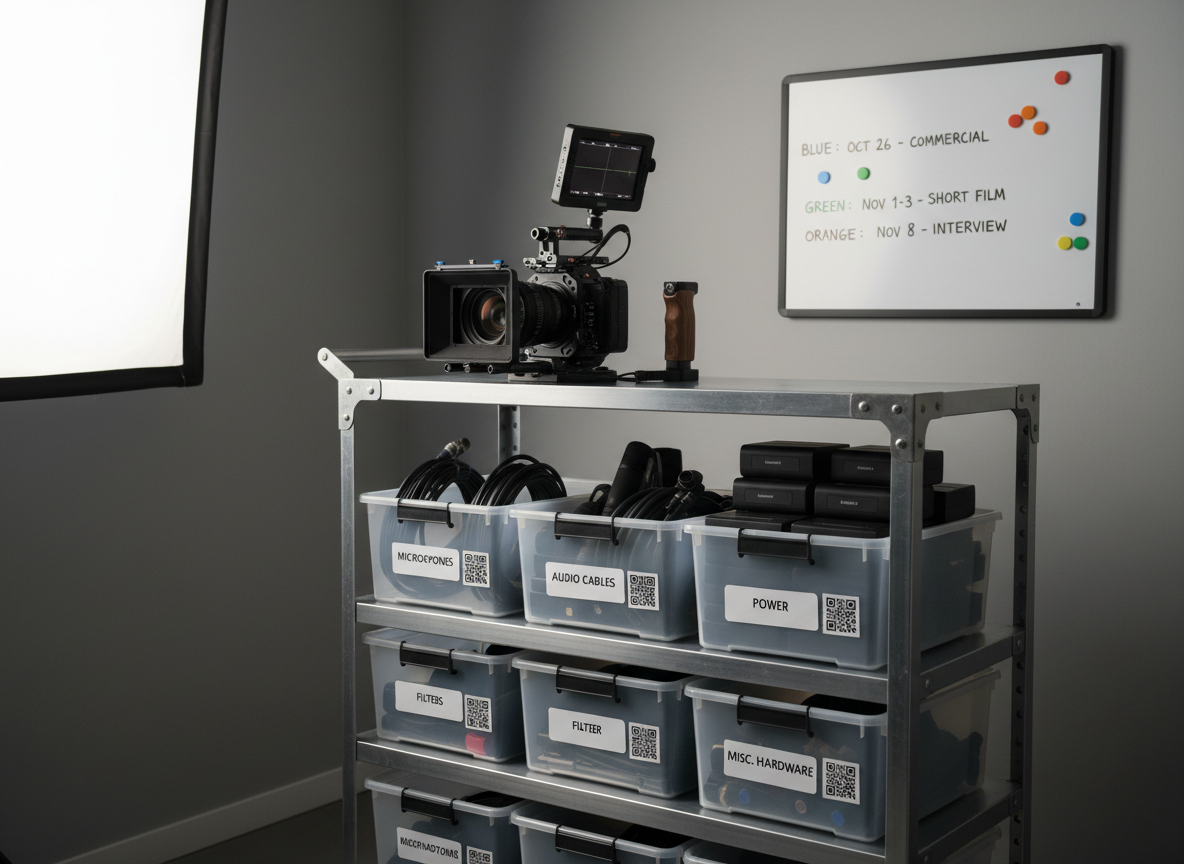
A meticulously organized gear cart parked in a small production studio corner, its shelves holding labeled storage bins with minimal white decals and QR codes, packed with microphones, cables, batteries, and filters. Mounted on top is a compact cinema camera with matte box and monitor, ready to roll. The background shows a neutral wall with a simple, magnetic planning board displaying color-coded shoot dates and gear allocations. Soft, even studio lighting from above and slightly to the side creates defined but gentle shadows, highlighting textures of metal, rubber, and plastic. Photographed at slightly below eye level with moderate depth of field, the scene communicates readiness, efficiency, and collaboration in a polished, realistic style.
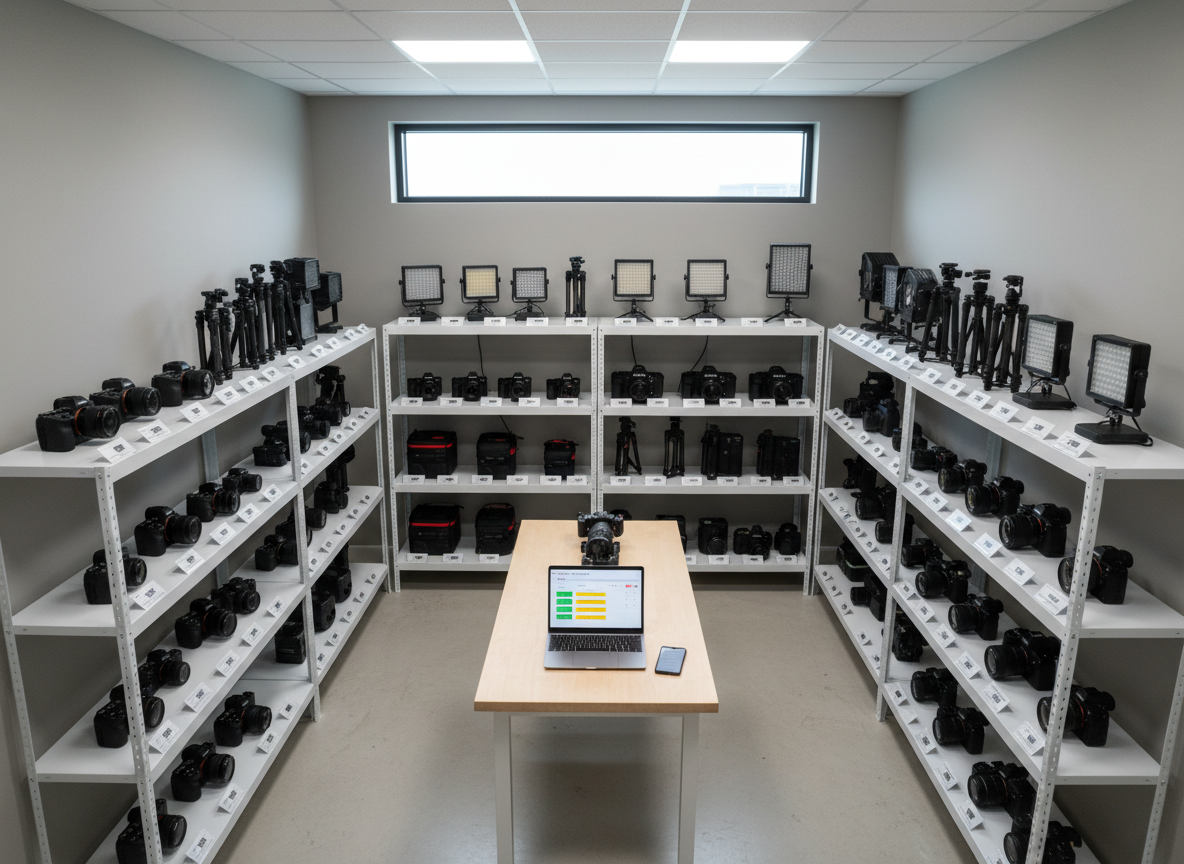
An overhead view of a compact in-house video gear room, shelves lined with mirrorless cameras, tripods, LED panels, and audio kits, each slot labeled with minimal white tags and QR codes. On a central worktable sits an open laptop and smartphone, both showing simplified gear availability grids with color-coded statuses. Neutral walls and uncluttered surfaces set a professional tone. Cool, even ceiling lighting and a hint of daylight from a high window keep the space evenly lit, with crisp details throughout. The composition uses a tidy, grid-like arrangement to highlight order and workflow, photographed with sharp focus and photographic realism to evoke a streamlined, scalable system for small teams.

Support & Onboarding

We offer email support, live chat, and a comprehensive onboarding flow. Expect timely responses, clear guidance, and helpful resources for new workspaces.

Help Articles

Explore guides on configuring QR codes, importing equipment, and organizing team access for smooth gear management.

Support Request

Provide a dedicated support request form so users can send detailed issues and receive email follow-up.

Provide a dedicated support request form so users can send detailed issues and receive email follow-up.

← Back

Thank you for your response. ✨

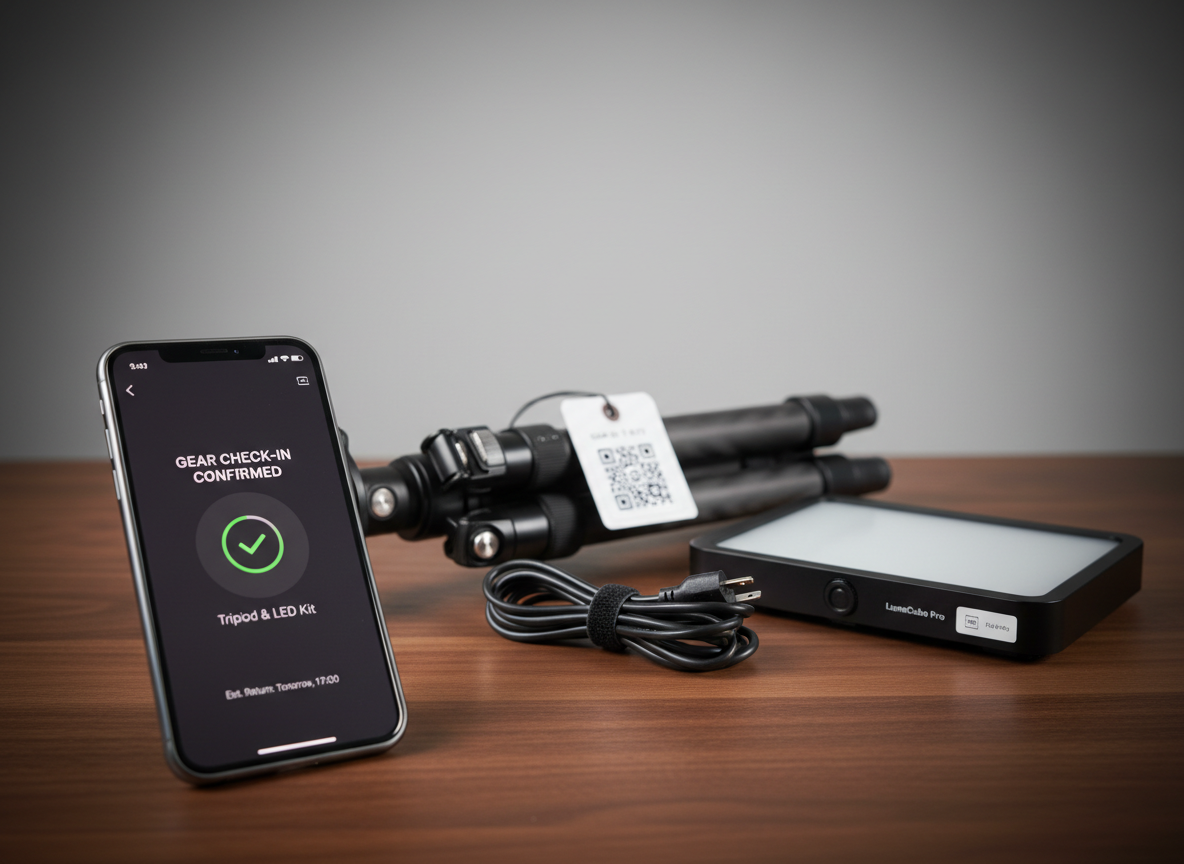
A split-focus composition of two devices on a walnut desk: in the foreground, a smartphone screen displaying a clean, dark-mode gear check-in confirmation for a tripod and LED kit; in the mid-ground, a labeled tripod with a small QR code tag hanging from its leg, resting beside a compact LED panel with tidy coiled cable. A neutral studio backdrop keeps the environment minimal. Directional side lighting from the left creates pleasing contrast and a subtle vignette, while maintaining legible details on the screen and tags. Photographed with shallow depth of field that transitions focus from phone to gear, the mood is confident and modern, showcasing quick, reliable gear management on the go.